Food Delivery Lockers
Food Delivery Locker Instructions
Step 1: In the food delivery app of your choice, set the Delivery Address as
- 205 Commerce Street
Fort Worth, TX 76102
Step 2: Add Delivery Instructions
Use the following delivery instructions:
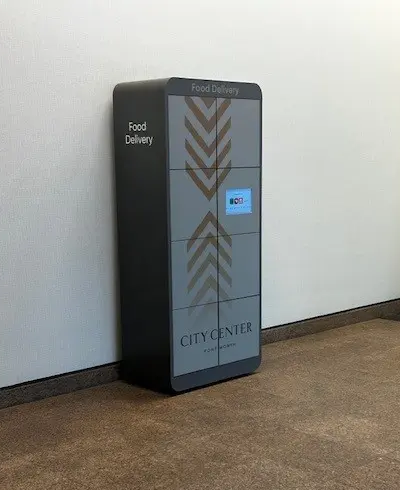
- Enter through the glass doors at 205 Commerce Street (behind the old fire station).
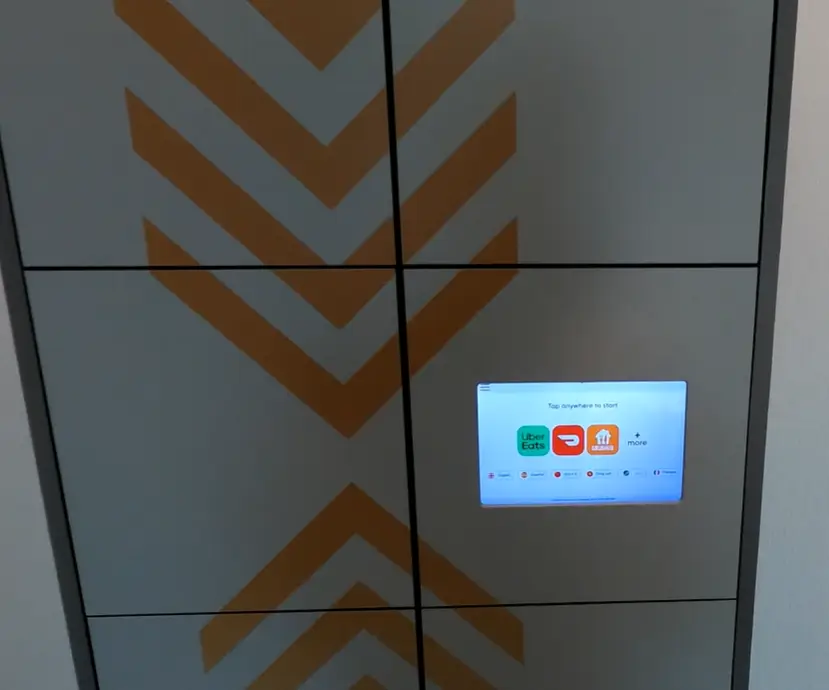
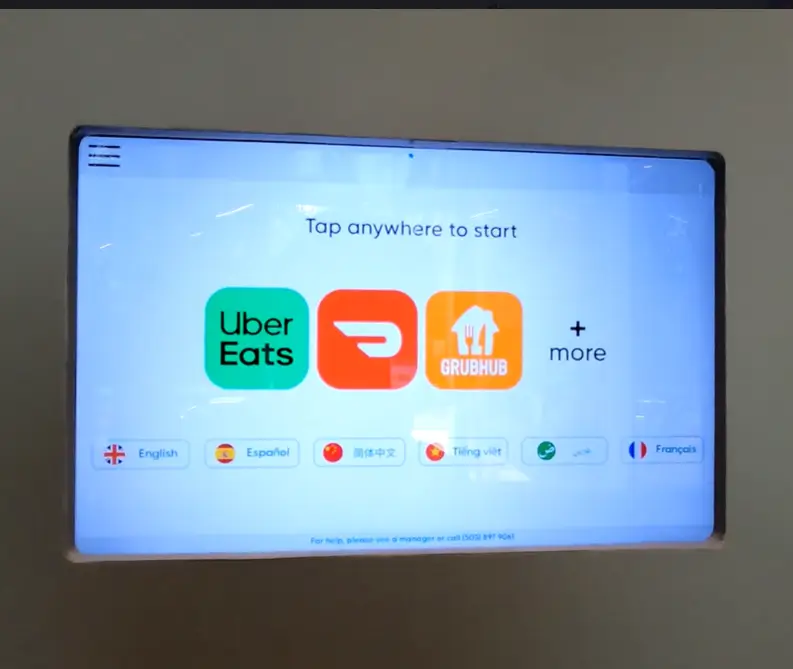
- Follow the instructions on the locker’s digital screen.
- Place the food inside the locker positioned against the wall.
- Tap “Complete Dropoff” on the screen to finish the order.
Step 3: Save Instructions
- Save these delivery instructions for future orders.
Step 4: Pick Up Your Food
- At pickup, use the locker’s digital screen to access your food.
Step 5: Enable Secure Pickup
- When you select the locker containing your food, you’ll be asked if you want secure pickup next time.
- Select Yes and enter your phone number to receive a secure pickup code that’s unique to you.
Step 6: Add Your Secure Pickup Code
- Add the secure pickup code to your delivery instructions for future orders as this will ensure you’re the only person that can pick up your order.
Secure Food Delivery
- Use the QR code when using the food lockers for secure food delivery. The QR code only needs to be used once per phone number/individual. Once you add your name & phone number in the QR code link, you will receive a 5-digit code that is uniquely yours. Include the 5-digit code as part of your drop off instructions in your preferred food delivery app, and you will be the only person able to retrieve the delivery by entering the code upon pickup from the pod. You will use the same 5-digit code for all future deliveries as well.
- Please note that there is a time limit for the food in the lockers; if food is not picked up in a within 2-3 hours, the food will be discarded.
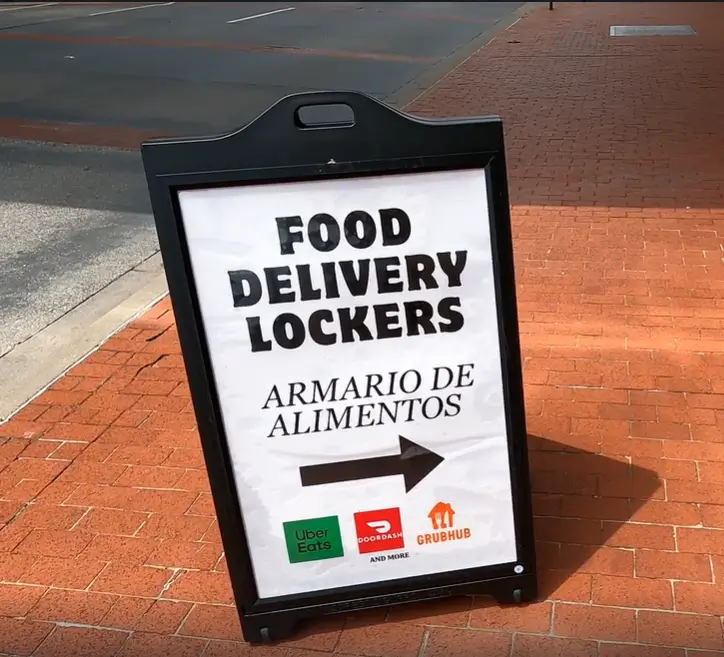
- A-frame signs are on the sidewalks to help direct the drivers to the locker location.
- Do not suggest that delivery drivers park in the valet lane to deliver food.